
BlogIn features a full REST API that allows you to post and pull content to and from your BlogIn account.
Create the API key
To create the API key, log in to Blogin as an administrator and go to Settings → API. Click Add new key and select REST API in the modal dialogue, then click Add.
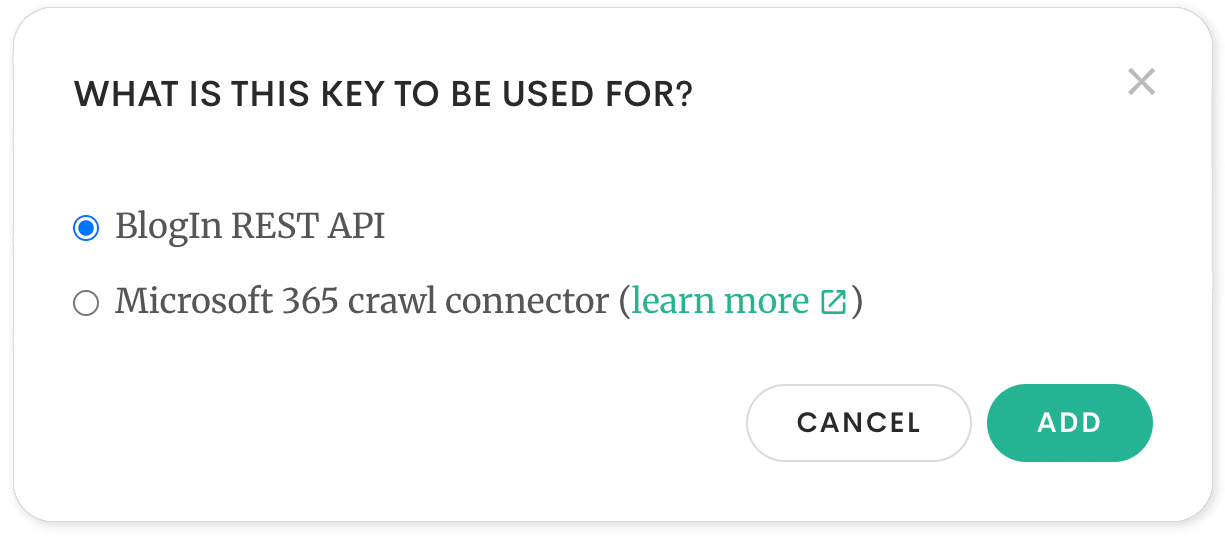
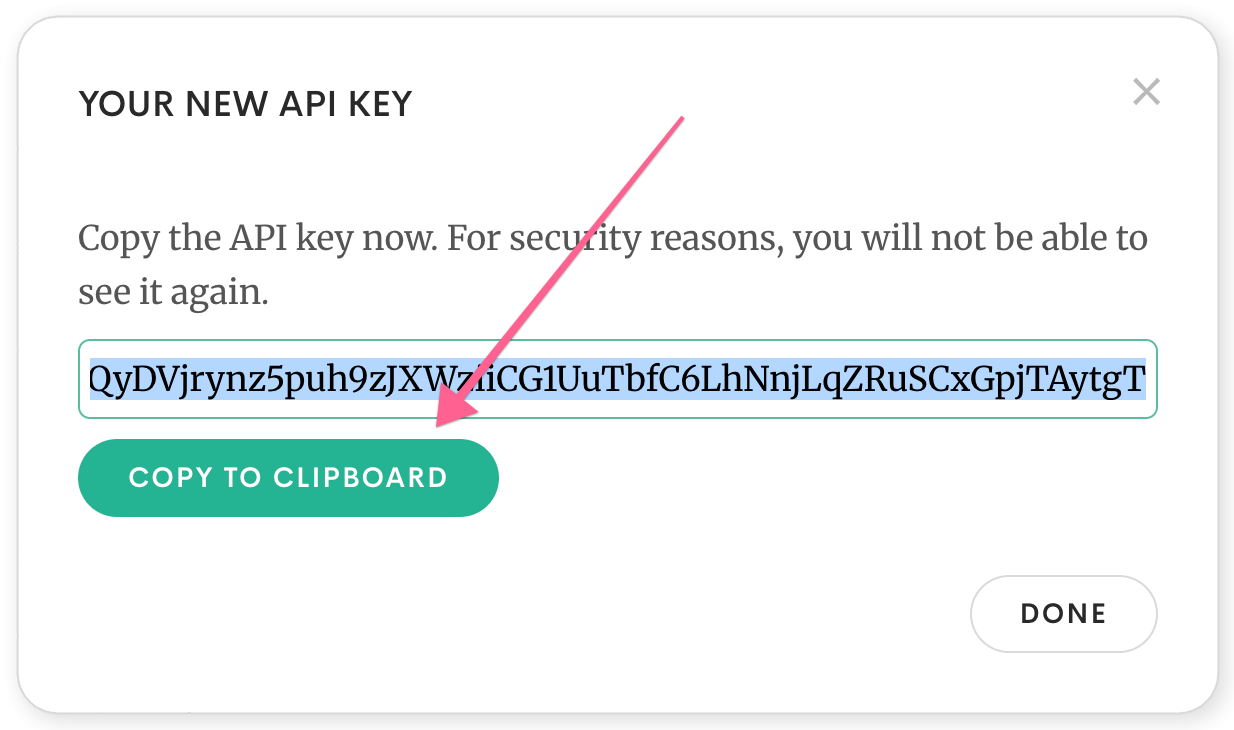
A new API key will be created. Save the key when it appears in the modal; for security reasons, you will not be able to see it again.
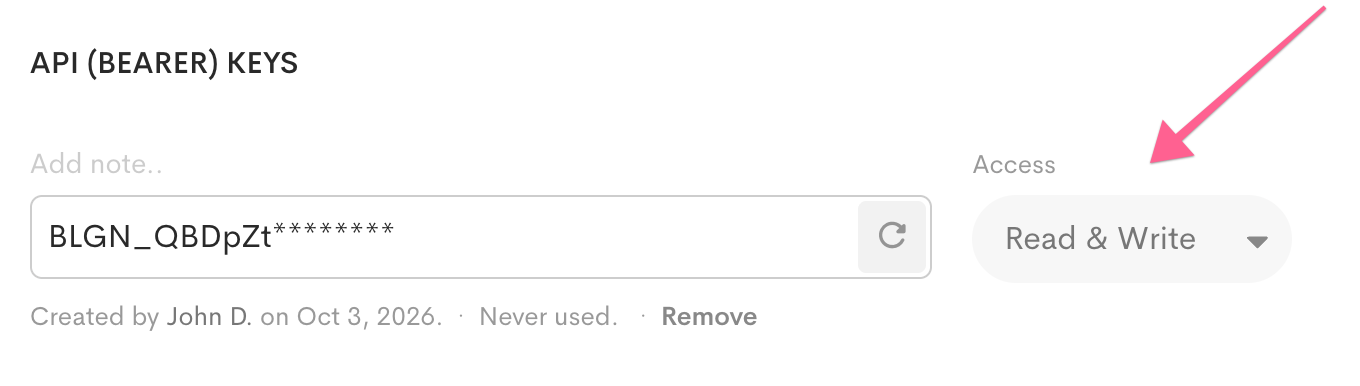
By default, a new key has Read-only access. You can change this by selecting a different access level from the dropdown menu beside the key.
API reference
Detailed information about all endpoints, with examples, is available on the BlogIn REST API Reference page.